SwiftUI + AppKit
Built like a real Mac app, not a browser pretending to be one.
 Pine
Pine
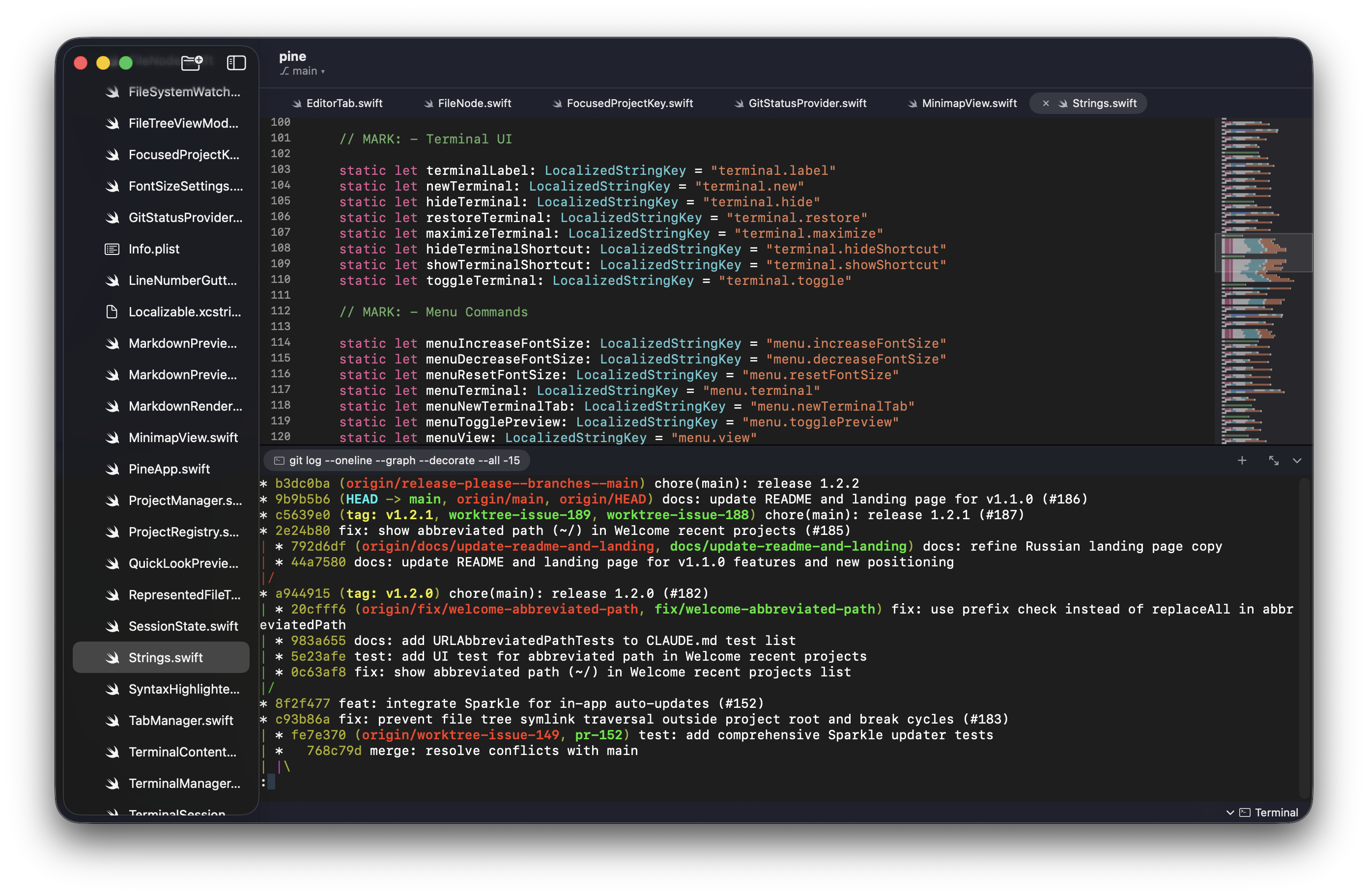
Run any CLI agent in a real terminal. Review its changes without losing sight of the code.
Pine keeps the terminal, task context, and edited files in one native workspace, so you always know what the agent is doing and where to review it.
Built like a real Mac app, not a browser pretending to be one.
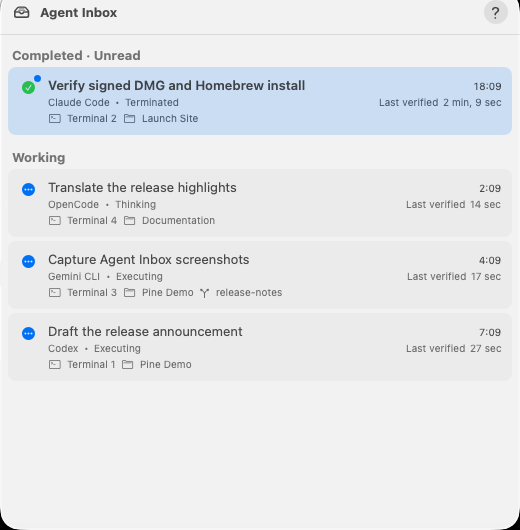
Agents stay in the terminal while Pine shows who is working, what changed, and when attention is needed.
Lightweight user grammars, tasks, and keybindings — no extension marketplace or browser runtime.
Status in the tree, branch switching, and diff markers directly in the editor.
Open related projects in one window, switch without duplicates, and keep each editor and terminal exactly where the work belongs.
Pine lets projects, terminals, and agent tasks share one native workspace while keeping the current decision in focus.
Pine stays a focused code editor while making terminal-driven, agent-assisted work visible.
Tracks durable tasks across projects in Agent Inbox, routes to the exact live session, and sends private notifications for verified events or detected process exits.
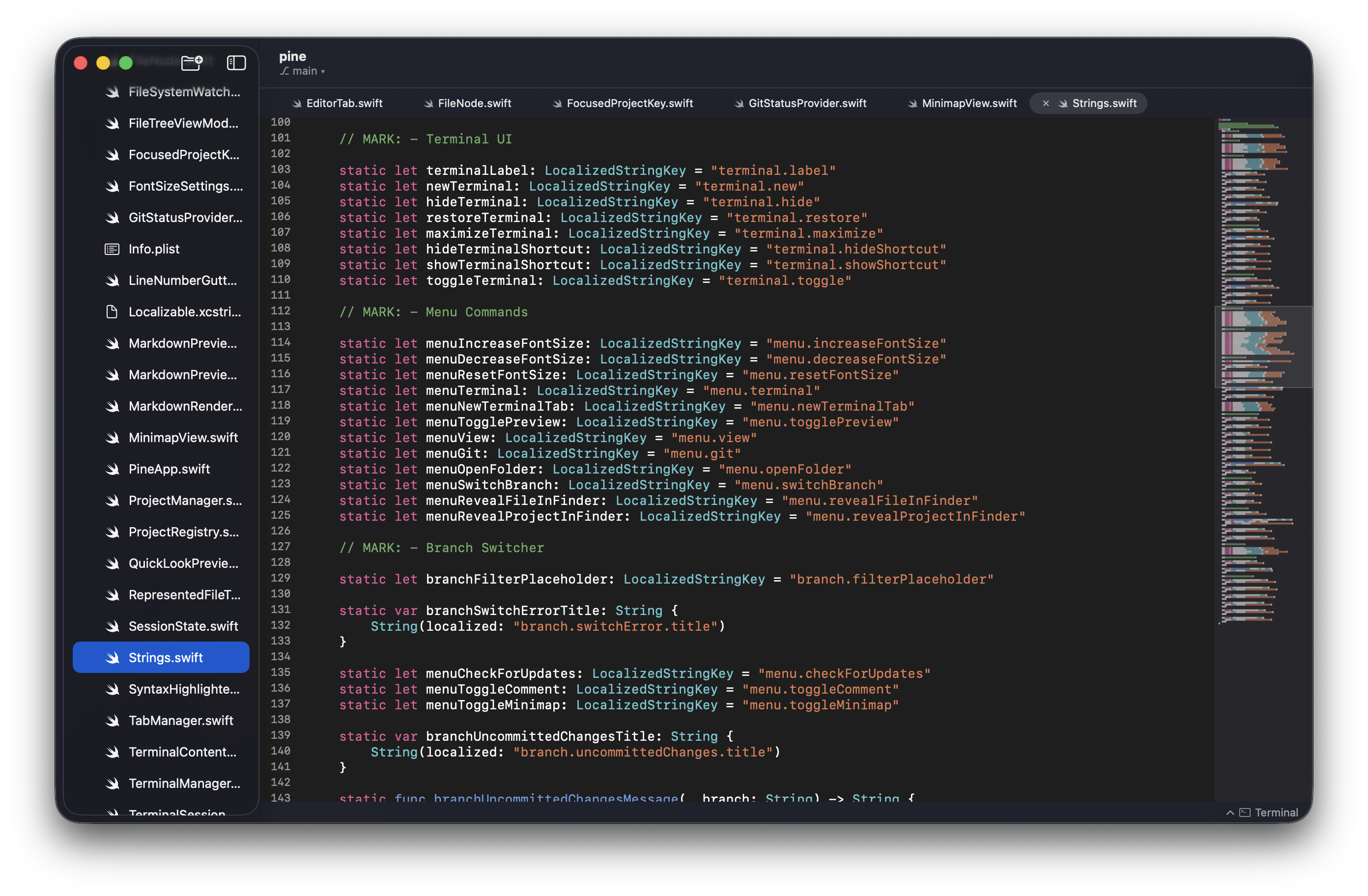
Bundled language grammars, LSP diagnostics, completion, hover, go-to-definition, code actions, rename, symbols, folding, minimap, and project search.
Keep related projects in one window, switch from the toolbar, then split editors and terminals, drag tabs between panes, resize, and maximize.
Full VT100/xterm emulation with tabs, themes, TUI support, clickable links, a global quick terminal, and display recovery that preserves the running shell.
Live file reloads, sidebar status, gutter and inline diffs, blame, branch switching, config validation, and format-on-save.
Auto-save, session and cursor restoration, large-file handling, auto-updates, nine localizations, VoiceOver, reduced motion, and no Electron runtime.
Pine keeps the terminal as the source of truth and turns the editor into a live surface for code, diffs, diagnostics, and attention.
"The terminal stays open. Evidence stays attached. You stay in control."
Pine is moving toward a workspace where terminal tools remain interchangeable, agent work carries durable context, and every change can be reviewed beside the code. The editor should become more capable without becoming heavier, more opaque, or dependent on one agent.
Use Homebrew, grab the latest DMG, or build from source in Xcode. Pine stays a focused native Mac app with no browser runtime.
brew install --cask batonogov/tap/pine-editorBuild from source with xcodebuild -project Pine.xcodeproj -scheme Pine build if you want the full native stack on your machine.